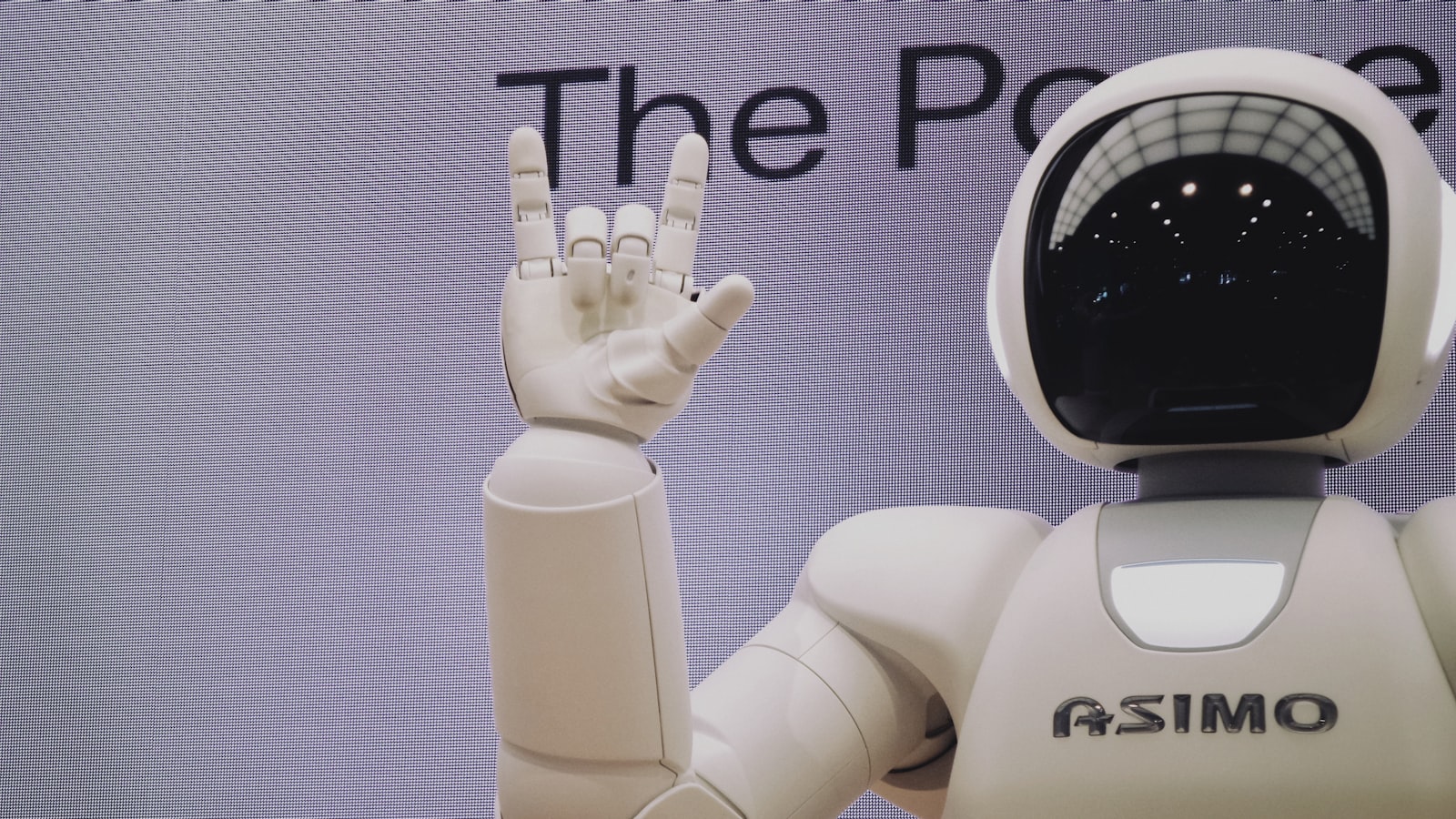
The single highest-return way to use AI is to turn a blank page into a rough draft you then edit, not to ask it to make judgment calls for you. Treat a chatbot like a fast, tireless intern: excellent at volume and formatting, unreliable on facts, and in need of clear instructions plus a final review from you.
Choose tasks by their shape#
Before picking a tool, learn to recognize the tasks where AI reliably pays off. They share three traits: high volume or tedium, low stakes if imperfect, and easy to verify. A first-draft reply to a 30-message email thread, a summary of a 40-page PDF you will not read in full, converting messy notes into a clean table, or generating 20 subject-line options all fit. You supply judgment; the tool supplies typing speed.
The mirror image, the tasks to keep for yourself, are the ones where being confidently wrong is expensive: final hiring decisions, medical or legal choices, numbers in a board deck, or anything you will sign your name to. AI can draft the awkward message; you decide whether to send it.
The common mistake here#
Most people reach for AI on their hardest, highest-stakes problem first, get a plausible-but-wrong answer, and conclude the tools are useless. Start at the opposite end. Spend a week noticing which of your tasks are "annoying but low-risk," and route only those to a chatbot until you trust your own editing eye.
Set it up once instead of re-explaining yourself#
The biggest time leak is retyping the same background into every new chat. Fix it once.
- ChatGPT: open Settings > Personalization > Custom instructions. Use the two boxes to state who you are, your role, and how you want responses (length, tone, "no bullet points," "show your reasoning"). Every new chat inherits it.
- Claude: create a Project for an ongoing area of work (for example, "Q3 marketing"), add background documents and custom instructions to it, and every chat inside draws on them. Claude's "Styles" let you lock a consistent writing voice.
- Microsoft 365 Copilot and Google Workspace: these already sit inside Outlook, Word, Excel, Gmail, and Docs, so the context is the document or thread you are already in. Use "Summarize" on a long email or "Help me write" in Gmail rather than copy-pasting into a separate tab.
Understanding the context window helps here. Each model can only "see" a limited amount of text at once. Today's assistants hold roughly 100,000 to over 1,000,000 tokens (a token is about 0.75 of a word, so 100,000 tokens is very roughly 75,000 words). That is why pasting the actual document beats describing it, and why very long chats eventually start "forgetting" the top: you have pushed the early text out of the window. Start a fresh chat for a new task rather than letting one thread sprawl.
Write prompts as briefs, not search queries#
A vague prompt ("write an email") returns a generic template. A brief returns something you can keep. Include four things:
- Role and context: "You are helping a freelance designer reply to a client who missed two payment deadlines."
- The task: "Draft a firm but friendly email asking for payment within 7 days."
- The format: "Under 120 words, no greeting fluff, end with a clear next step."
- An example, if you have one: paste a past email in your voice so the tone matches. This is called few-shot prompting, and one good example usually improves output more than three extra sentences of instruction.
Then iterate in steps. Ask for an outline, react to it, then request the draft. A short back-and-forth beats trying to specify everything in one giant request, because you cannot predict everything you will want until you see a first version.
The common mistake here#
People treat the chatbot like Google: three keywords and a hope. The tools that reward keyword-style queries (Perplexity, Google's AI overviews) are the research ones; the chat assistants reward paragraphs of context. Match the input to the tool.
Verify before you trust, and mind what you paste#
AI models generate fluent text whether or not it is true. They will occasionally invent statistics, quotes, court cases, or citations that do not exist, a failure mode known as "hallucination." It is a fundamental property of how these systems predict text, not a bug that has been fully solved. So treat every fact, figure, date, and source as a claim to check, not an answer to copy.
Match your verification effort to the stakes:
- Internal note or brainstorm: skim and move on.
- Anything leaving your hands or driving a decision: confirm every specific against a primary source.
Two habits sharply cut the risk. First, ask the tool to cite sources and then actually open the links. Perplexity and Google's NotebookLM are built for this, and NotebookLM only answers from documents you upload, which largely removes invented facts. Second, ask "what would make this answer wrong?" to surface its own assumptions.
On privacy: do not paste passwords, customer data, unreleased financials, or anything under NDA into a consumer chatbot. In ChatGPT you can reduce data use under Settings > Data controls by turning off "Improve the model for everyone," but the safer rule is simpler: if you would not email it to a stranger, do not paste it. Business-tier tools (ChatGPT Team and Enterprise, Microsoft 365 Copilot, Claude for Work) contractually exclude your inputs from training. It is worth knowing which tier you are on.
A concrete weekly workflow#
Here is a routine that saves most knowledge workers a few hours a week without any new subscription beyond one chat assistant:
- Inbox triage: paste long threads (or use "Summarize" in Outlook or Gmail) into three bullets: decision needed, deadline, who owes what. Then reply.
- Meetings: let a transcription tool (Otter.ai, Fireflies, Zoom AI Companion, or the built-in notes in Teams and Google Meet) capture the call, then ask it for "action items with owners." Read the notes, not 60 minutes of audio.
- Documents: drop the report into your assistant and ask for the three claims you should push back on, not just a summary.
- Drafting: generate the first version of routine writing, then rewrite the opening and closing in your own words. Those are the parts readers actually notice.
Productivity does not come from owning ten AI apps; it comes from two or three routines you repeat until they are automatic. Pick one assistant, wire in your custom instructions, and get genuinely good at briefing and editing it before you chase the next launch. The division of labor never changes: the tool is fast and tireless but has no idea what matters to you, and you are slower but you know the goal. Keep that balance and the hours you save are real.
FAQ#
For general drafting and summarizing, any one of ChatGPT, Claude, or Gemini is fine. Pick the one already tied to your email and documents: Gemini if you live in Gmail and Docs, Copilot if you are in Microsoft 365. For research where you need real citations, use Perplexity or NotebookLM instead.
Is the free version good enough?#
For occasional drafting and summarizing, yes. Paid tiers (typically around $20 per month) add access to the stronger models, larger context windows, file uploads, and image or data analysis. That is worth it once you are using the tool most workdays, not before.
How do I stop the AI from making things up?#
You cannot eliminate it, but you can contain it: ask for sources and open them, use document-grounded tools like NotebookLM for factual work, and never trust a number, name, or quote without a second source. Treat fluent confidence as no evidence of accuracy.
Will using AI make my own writing worse?#
Only if you paste its output unedited. Use it for the first draft and the boring middle, but write your own openings, conclusions, and anything carrying your point of view. That keeps your voice sharp and the work recognizably yours.